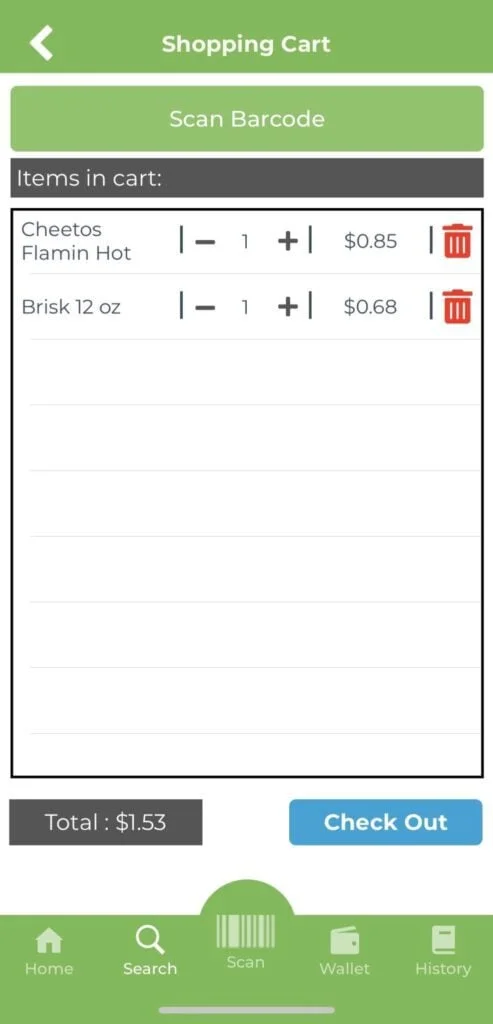
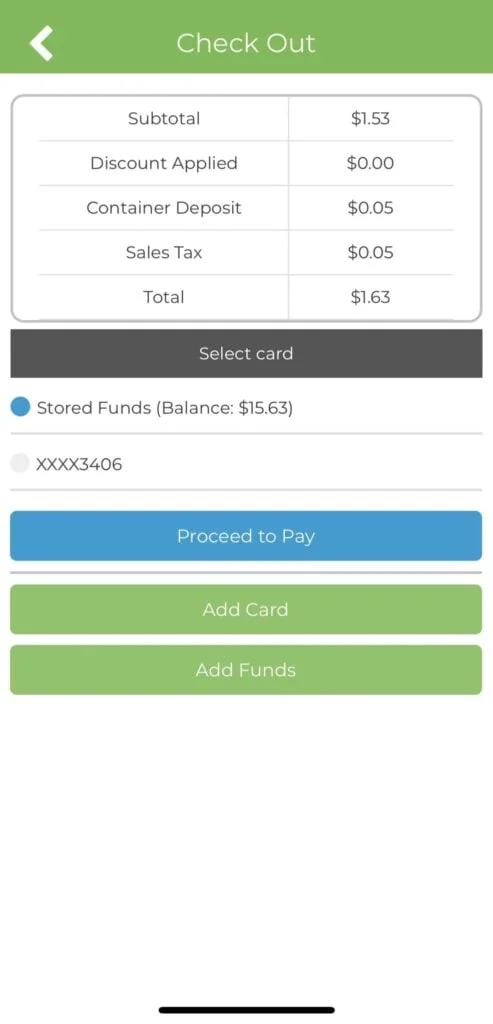
Debit/Credit Card – Select a card (NOTE: This payment method is not available at all markets)
Payroll Deduction – If your company has approved payroll deduction as a payment method, select “Payroll Deduction” (NOTE: If your company has approved payroll deduction as a payment method, but you do not see it as a payment option, contact us)
Credit – If your company or the vending operator has added market credit to your account, and purchase amount is less than the “Credit” balance, select “Credit”
Company Credit – If your company has added a recurring monthly credit to your account, and purchase amount is less than the “Company Credit” balance, select “Company Credit”
We use optional cookies and similar tools for marketing and measurement, feedback, and embedded videos. They stay off until you choose. Learn about website privacy.
Global Privacy Control is on. Your opt-out of sale, sharing and targeted advertising is honored for this browser.