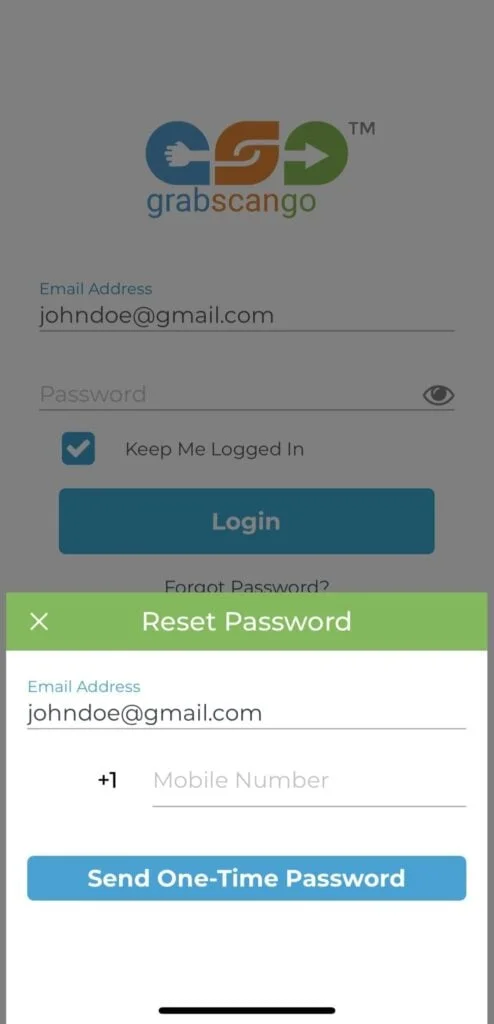
If you forgot your password and need to reset it:
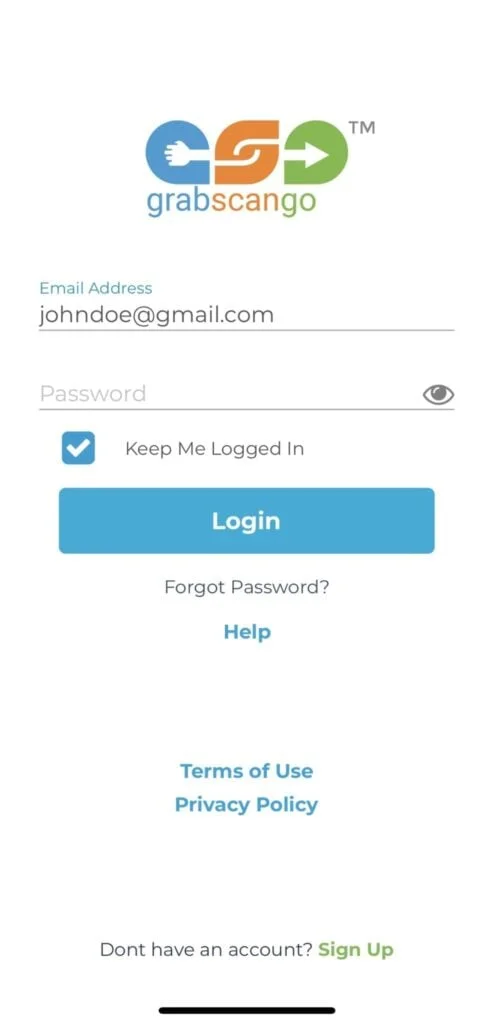
- Enter Email Address you used to set up your account
- Click “Forgot Password?” below the “Login” button
- (Optional) Enter Mobile Number you used to set up your account
- If the Email Address and/or Mobile Number you enter are registered in our system, the system will email/text you a One-Time Password (OTP)
- Enter the OTP in the “Password” field and click “Login”
- Create a new password